The LogTag® Recording System
LogTag®
LogTag®
Typically LogTag® products are configured, put with goods that require monitoring and are downloaded once the goods reach their intended destination.
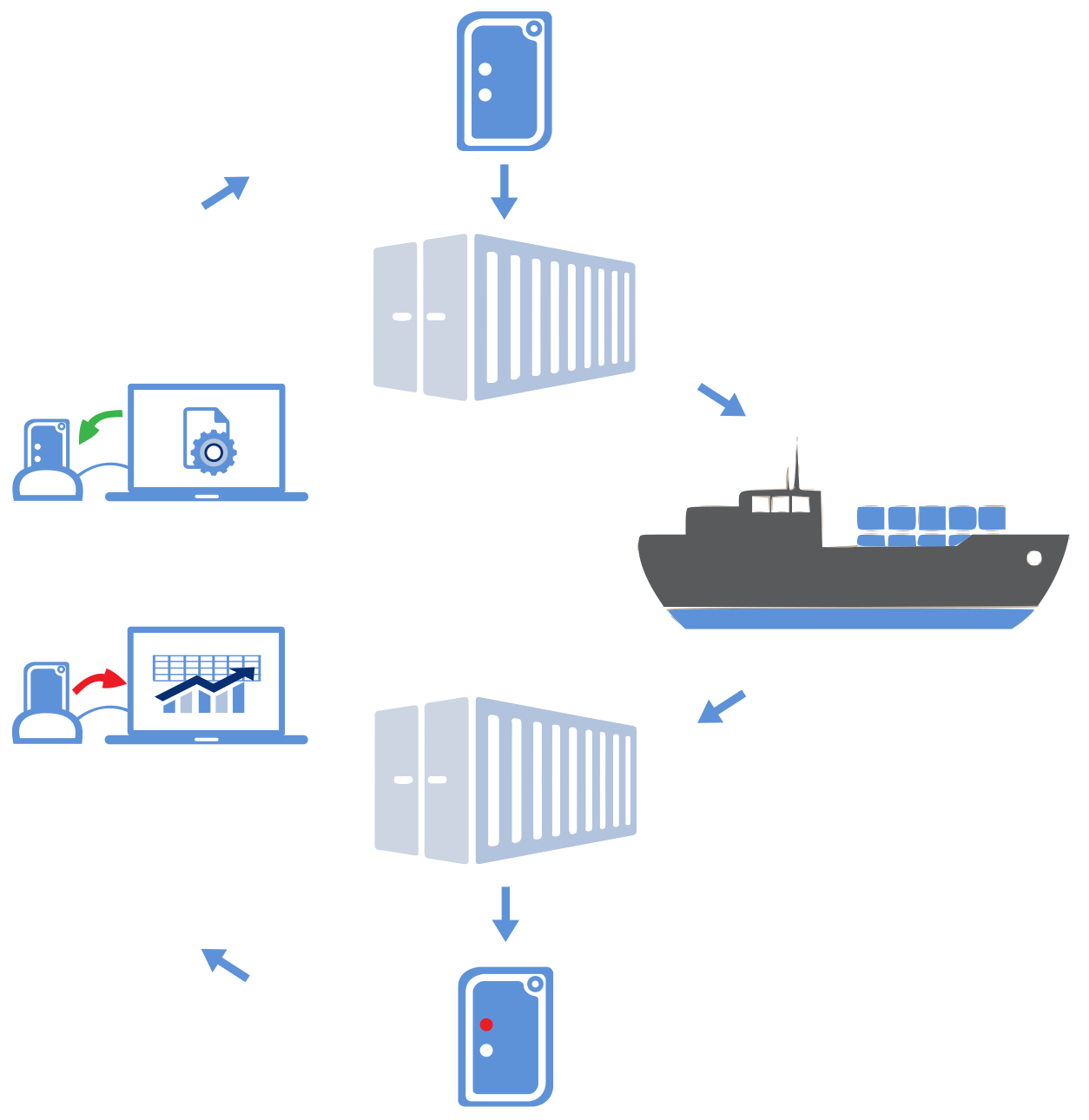
Other applications may involve stationary loggers placed in warehouses or fridges, such as the Vaxtag®, as can be seen here.
Example of a stationary loggers application
Loggers
LogTag® temperature and humidity logger products are small, battery powered, credit card size devices with built-in sensors and data logging memory. They record between 4,000 and 16,000 samples from anywhere between -80°C and +100°C, depending on the model. For detailed information about each product visit the LogTag®

Some of LogTag®s logger products
Indicators
LogTag® temperature indicators are even smaller devices, also battery powered, and contain a statistics memory which can contain minimum and maximum values from anywhere between 20 days and three years. They feature a display for a quick assessment if goods have been exposed to temperatures outside pre-configured temperature limits.

Some of LogTag®s indicator products
Software
Loggers and Indicators are downloaded using the LogTag® Analyzer software, which is also used to configure loggers. This User Guide explains in detail how to configure and download loggers and indicators, how to customise the settings and how to analyse and share the data.
Interfaces
Unless your product is one of the USB Loggers you will need an interface to communicate between the logger or indicator and the computer.
Loggers and indicators use two different types of interface cradle.
Most products use the standard interface cradle, where the LogTag® is inserted into the slot from the top as shown to enable communication. You will be able to see the contact pins inside the slot that meet with the matching contact pads on the LogTag®. When inserting a LogTag® into the slot you feel a slight resistance as the contacts engage. Removing the LogTag® will cause a slight clicking noise as the contacts snap back into their unloaded position.
The indicator products TIC20 and TICT use a special cradle in which the contact pins are exposed at the top. To enable communication locate the indicator's lug on the interface's boss and firmly press it down, so the contact pins pierce through the rear label. When using the TICT, please remove the adapter from the bottom of the interface and place it as shown; this helps correctly locating the contact pins.
New in 2018, the LTI-HID is the next generation USB interface that can be installed without requiring a proprietary driver. It also features two indicators at the top (red & green), which identify what actions the interface is currently performing.
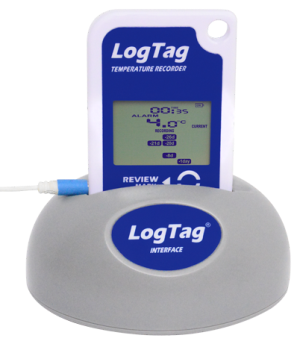
TRED30-7 in standard USB interface cradle LTI/USB
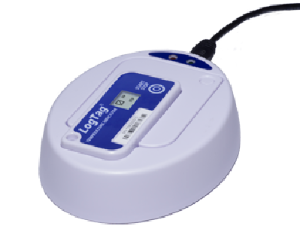
TICT in LTI/USB-TICT interface cradle

New USB Interface LTI-HID