Connecting the Interface
Tip: You can skip this step if you only use USB Loggers.
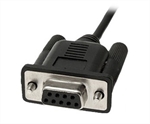
The standard interface cradles available from LogTag®
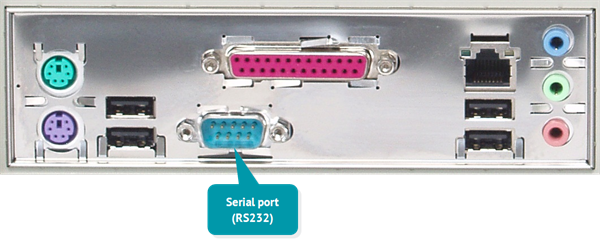
Rear of PC with with one serial port (RS232)
These ports are typically located at the rear of workstations, but you typically find ports at the front or sides, particularly if your computer is a laptop. If you are using a USB hub we recommend it has its own power supply.
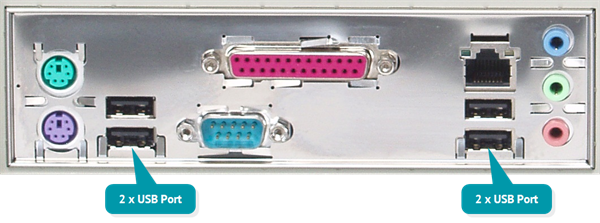
Rear of PC with 4 USB ports
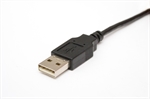
LogTag® Analyzer can communicate with multiple interface cradles at the same time; you may connect as many USB interface cradles as the computer supports, although we find that connecting more than 4 interfaces becomes impractical.
If you install LogTag® Analyzer on a computer with no internet connection you must ensure USB interface cradles are not connected until the software installation is completed, since the required drivers are installed as part of LogTag® Analyzer.
If the software cannot identify a connected USB interface cradle there may have been a problem during the installation of the driver software.
LogTag®'s range of USB loggers do not require an interface to communicate with LogTag® Analyzer.
LogTag®