General Settings
The General Settings options allow you to change various preferences that will effect the overall appearance of the information shown by LogTag® Analyzer.

General settings
Show temperatures in...
Here you set the unit used for temperature values displayed in the software's dialogues, lists, charts and reports. The options are:
- Fahrenheit (°F)
- Celsius (°C)
- Kelvin (K)
For loggers with a display and USB PDF loggers the temperature unit used on the display or in the PDF is set during configuration. It is independent of the temperature unit chosen here.
Default time interval to display
Here you set the default time zoom level. This is zoom is applied when a file is opened or a logger is downloaded. You can set this to:
- All readings
- From first reading to first inspection/download mark
- From last inspection/download mark to last reading
The section about Inspection and download mark zoom explains in more detail how this feature works.
Language
This setting determines which language the software uses. Supported languages are:
- English US
- English (UK)
- Chinese (Simplified)
- Chinese (Traditional)
- Czech
- Danish
- Dutch
- French
- German
- Greek
- Italian
- Norwegian
- Polish
- Portuguese (Brazil)
- Portuguese
- Romanian
- Russian
- Spanish
- Swedish
- Turkish
Enable automatic checking for a newer version
The LogTag® Analyzer software can periodically check to determine if a newer version is available for download from the LogTag®
To enable this feature select Enable automatic checking for newer version and set the number of days between checks by entering or selecting a number in "Check every XX days". To disable the feature, clear the box.
If you enable the automatic check, and a new version is available, a window with an overview of the update will be displayed. Please see Upgrading LogTag® Analyzer
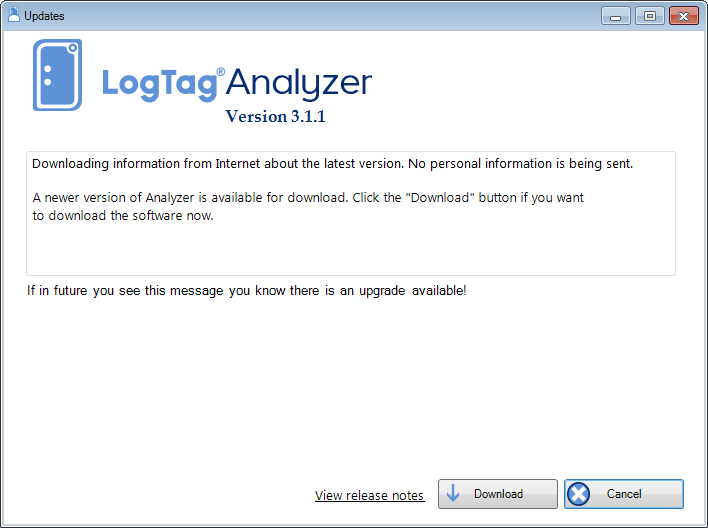
A software update is available