Sharing Data
You can share any of your files with another person if you have a way of contacting them electronically, for example via email or a chat program such as Google Hangouts or Slack.
To share a file, click the LogTag® Drive icon  in the navigation bar. Click the Action icon
  for the row of the file you wish to share and click from the list of actions. This will show the Share File window.
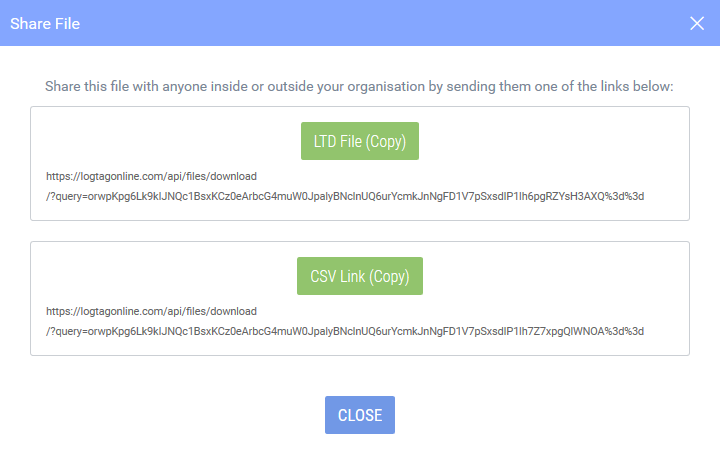
Click LTD File (Copy) or CSV Link (Copy) to copy a unique, one-time link to the file into the Windows clipboard. You can now create a new email message in your email program or start a new chat and paste (press CTRL-V on the keyboard) the link directly into the message.
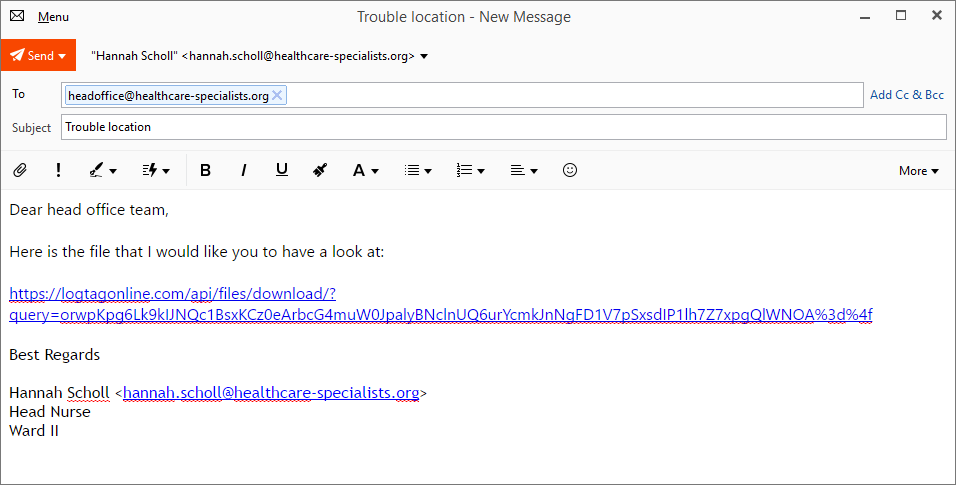
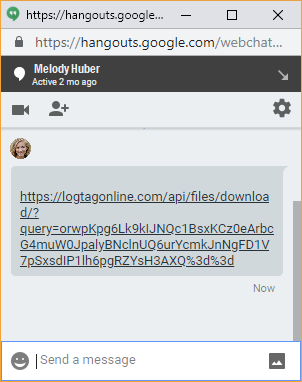
The message recipients do not need to have a LogTag® Online account to access the link, but they need a spreadsheet program such as Microsoft Excel to open a CSV file, or LogTag® LT Online version 3 to open the proprietary LogTag® Data file (LTD).
Clicking on the link will open their web browser and start the download process.