Entering the Wireless and Network Settings
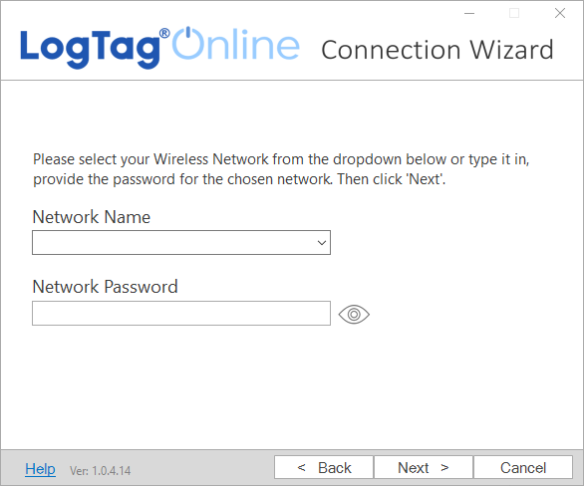
| As soon as you see this screen, your wireless logger or interface begins searching for wireless networks in range. |
|
|
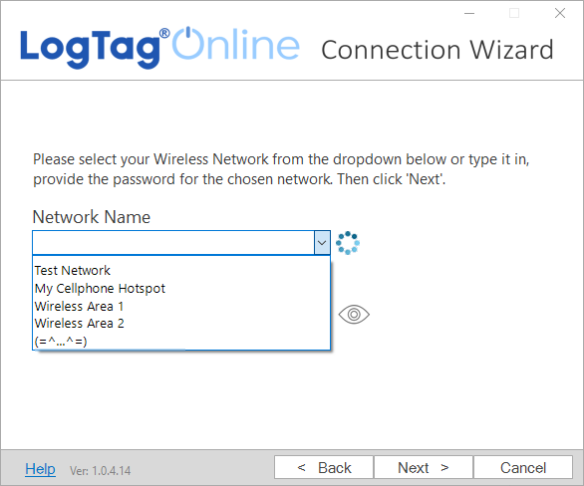
Click the arrow for the Network Name to reveal a list of discovered wireless networks. Note: The network discovery process can take up to 2 minutes. Please wait while the scan is in progress.
You can also type the name of your network (SSID) in the Network Name field. This is useful if your wireless network does not appear in this lists, for example if is hidden for security purposes. |
|
|
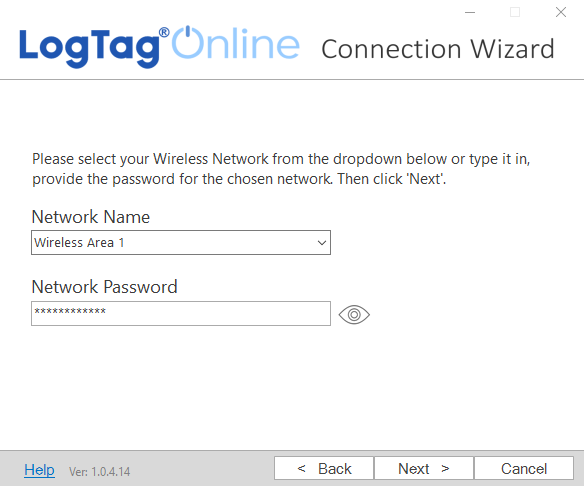
Once you have selected your wireless network from the list, type the network password. The characters you type will be hidden. Passwords for wireless networks are case-sensitive. Make sure your Caps Lock key is not active.
|
|
|
Once you have entered your password, you can click Please verify that your password is correct. An incorrectly entered password is the main reason why a connection to LogTag® Online might be unsuccessful. |
|
 to show the password characters.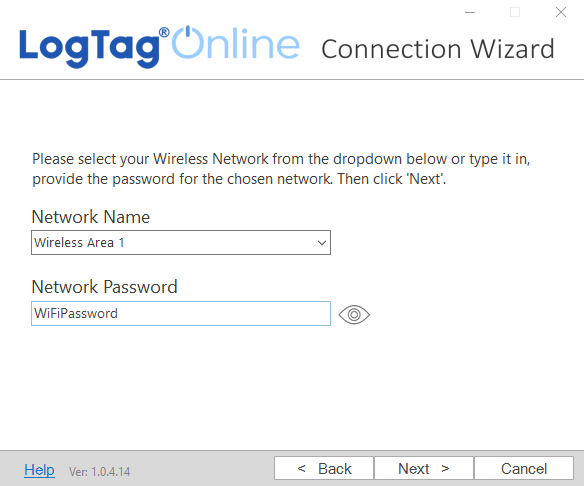
Once you have selected your network and password, click Next > to start the connection tests.