Uploading network settings
|
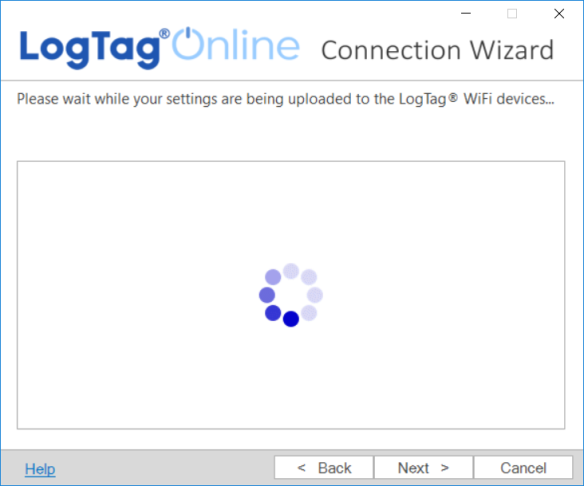
The network settings you entered in the previous window are now uploaded to the device. Typically, this takes no longer than 10 seconds. |
|
|
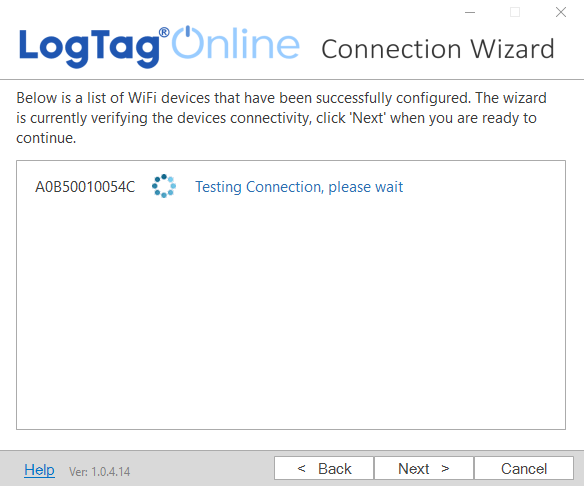
The LogTag® Online Connection Wizard will now test the connection to the wireless network and to LogTag® Online. |
|
Different messages will be displayed for UTRED30-WiFi loggers, LT-WM-WiFi interfaces and LTI-WiFi interfaces when the tests are successful. Please refer to the pages for each product for further information.
When your device has successfully connected to LogTag® Online, click Next > to finish the Wizard.
|
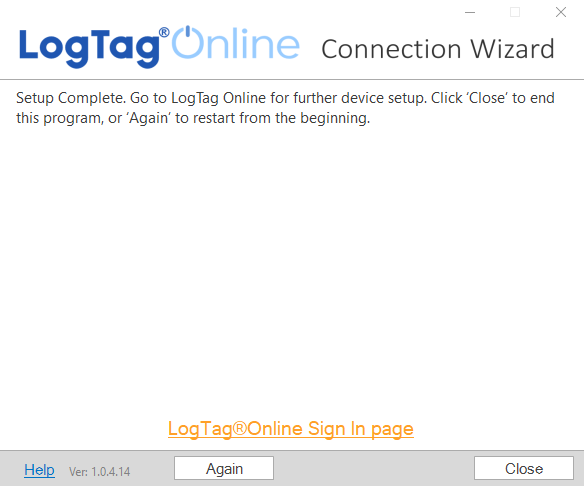
The setup is now complete. Click Again to start the Wizard from the beginning, if you wish to repeat the configuration for other devices. Click Close to end the Wizard. |
|
If you wish to upload real time data from UTRED30-WiFi loggers or LT-WM-WiFi interfaces you will need to complete further setup steps in LogTag® Online. Click LogTag® Online Sign In page so you can sign in to your account, create the required locations and attach loggers to these locations.
You can find more information about locations and attaching loggers in the Online Help for Location in LogTag® Online.