Scanning for Device(s)
In this step any connected wireless logger or interface is registered to your LogTag® Online account. This is required for a new device, so any data that are uploaded are only available to you and cannot be viewed by anyone outside your team.
|
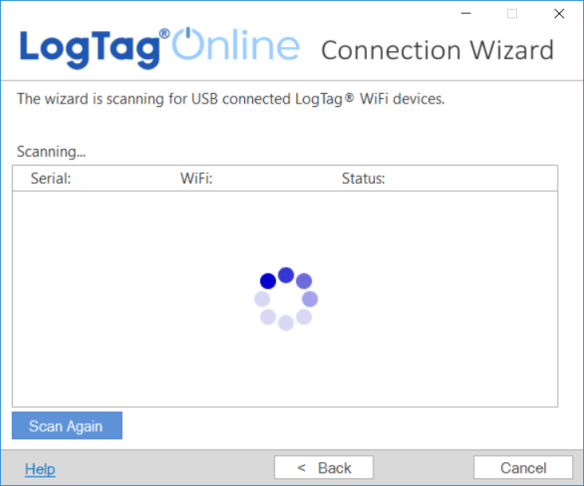
The wizard will now scan for any connected LogTag® devices. If the scan doesn't find any devices, verify that the devices are plugged into your computer with the USB cable provided and click Scan Again. |
|
|
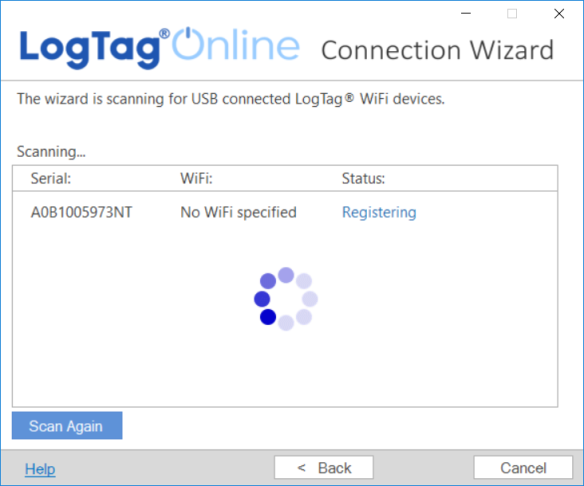
As soon as a device has been identified, it will appear in the table. The registration process starts. |
|
|
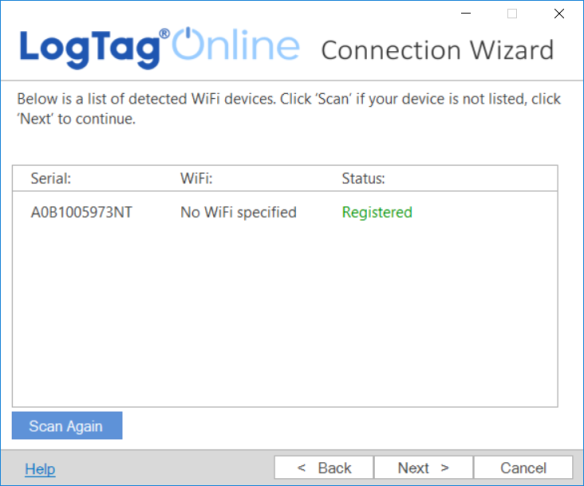
The registration status will update as soon as the device is registered against your LogTag® Online account. Click Next > when all devices have been registered. |
|
You can now proceed with entering the wireless and network connection details.