Providing your LogTag® Online Sign-In Details
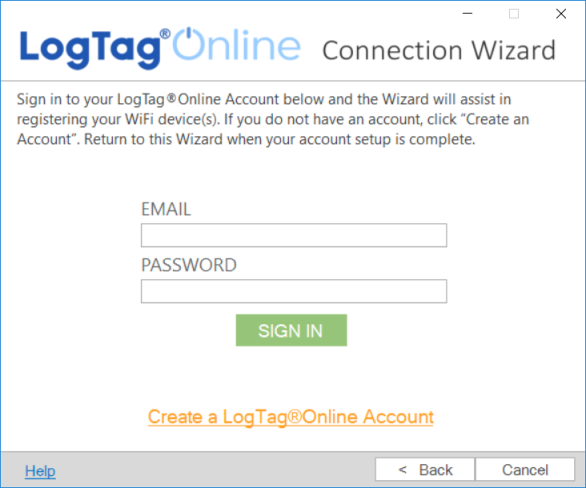
This page allows you to sign in to your LogTag® Online account, so your devices can be registered automatically by the Wizard.
-
I am new to this, I do not have an account
If you have not yet created an account, click Create a LogTag® Online Account. You will be taken to the account creation page. Complete the process and return to the wizard once you have created the account and validated your email address.
-
I already have an account
If you have previously created a LogTag® Online account, type your email and password and click SIGN IN.
If you have an existing account but have forgotten your password, you can request a new password at https://logtagonline.com/emailpassreset. Follow the on-screen instructions on that page.
-
I have an account and I am a member of multiple teams
If you have an existing account and have previously been invited to one or more teams, you can select the team for which you wish to register the new device after you have signed in.
Click Next to continue to the device page.