LogTag® Online Connection Wizard
If you have selected Start the LogTag® Online Connection Wizard during the configuration of the UTRED30-WiFi, the wizard will now start.
The LogTag® Online Connection Wizard is a separate program that
- registers
- enables you to create an account with LogTag® Online (or sign in if you already have an account)
- allows configuration of wireless and network parameters of your UTRED30-WiFi
You can find detailed information about the LogTag® Online Connection Wizard in its online help at http://help.logtagrecorders.com/LTOWizard/.
The LogTag® Online Connection Wizard starts after the logger has been configured for other parameters such as logging and alarms. When the wizard runs, the wireless and network parameters you enter are used to check that the UTRED30-WiFi can establish a connection with your wireless network and the LogTag® Online cloud server. The UTRED30-WiFi's display will update during these connection checks.
|
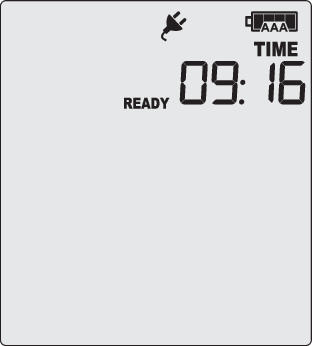
Initially, the display shows the logger is ready to be started. |
|
|
When the Wizard displays Testing Connection, please wait, first, the wireless connection is tested. If the connection is successful, the screen on the right shows. If the wireless connection does not succeed, the "No wireless connection" symbol ( Please refer to the section about Troubleshooting (on page 1) for reasons why the wireless connection can fail. |
|
|
After successful completion of the wireless network test, the Wizard establishes a connection between the UTRED30-WiFi and the LogTag® Online cloud server. When completed successfully, the screen on the right shows. Please refer to the section about Troubleshooting (on page 1) for reasons why the cloud server connection can fail. |
|
 ) is shown instead, and the test aborts.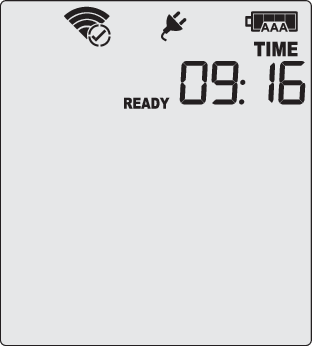
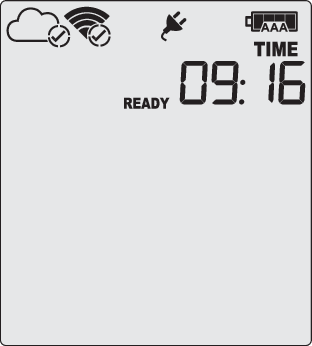
The UTRED30-WiFi is now ready to be deployed.