LogTag® Drive
LogTag® Drive offers convenient cloud storage for data files from LogTag® data loggers. You can upload any non-USB logger using a LogTag® WiFi enabled interface registered to your account.
You can access the LogTag® Drive screen by clicking the Drive  icon in the navigation bar.
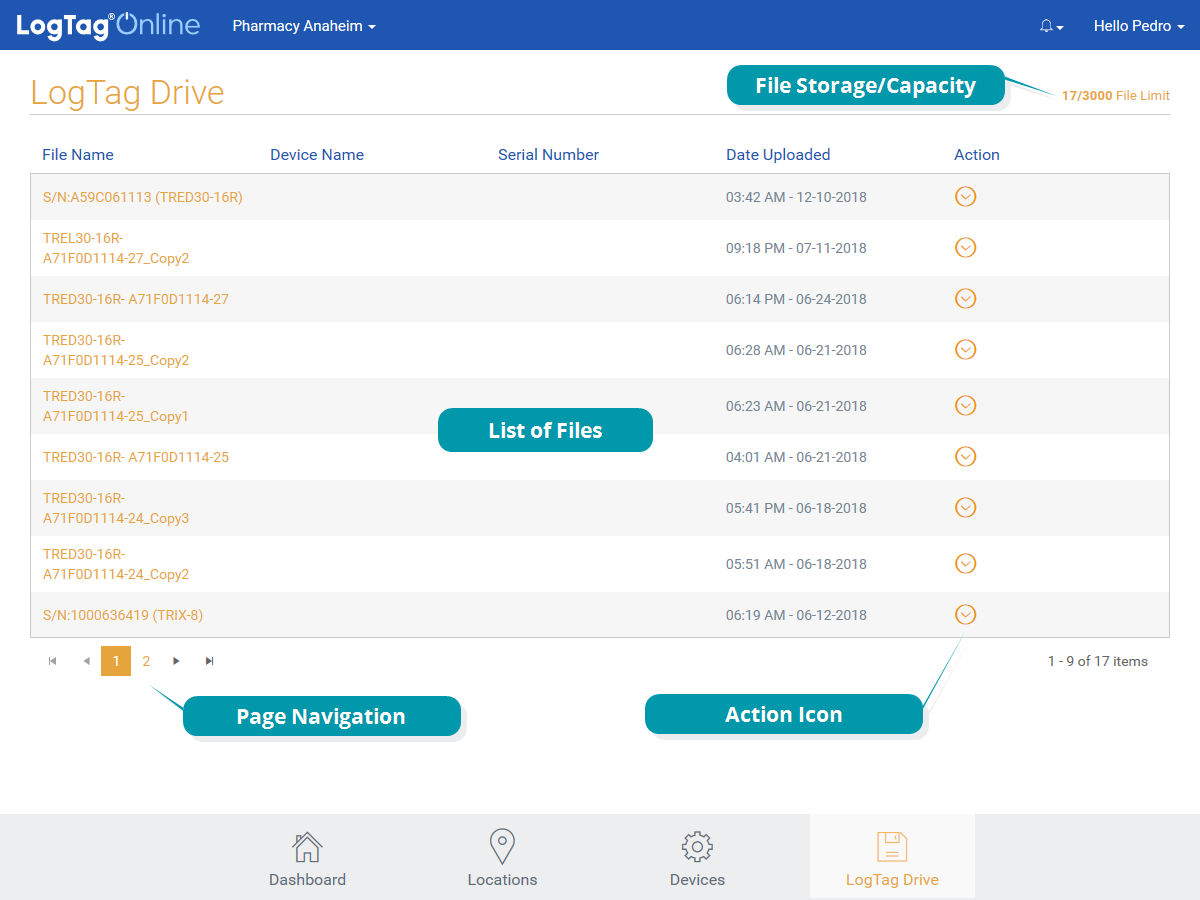
A new file entry is generated each time you upload a logger with one of your registered interfaces. As soon as the page refreshes you will see a new entry in the list with a file name composed from the Serial number and model number of the logger you uploaded.
From here you can:
- Navigate the list with the Page Navigation shortcuts if you have more files than fit on one page
- View each file's data as a temperature (or humidity) chart
- Rename the file
- Share a link to a CSV or LTD file
- Download a CSV or LTD file to your local computer
The number of files you can store and their retention period depends on your account type.
 What happens with my files if I exceed the storage limits?
If you upload a file, and your Drive already contains the maximum number of allowed files, the oldest file in your drive will be deleted, and the latest upload added.
Regardless of the number of stored files, any file older than your retention period will automatically be deleted.